A number in a training notebook needs a description. “Ten” might mean repetitions, minutes, pounds, kilograms, or a band’s product level. Without the unit and setup, the entry can look precise while being impossible to interpret. More arithmetic will not repair that missing context.
Our notebook keeps exercise details in separate fields and preserves your written setup. It deliberately does not add dumbbell loads, elastic resistance, and bodyweight activities into one training-volume total. This guide explains how to make the record readable without claiming that the tool measures strength.
Write the movement and its variation
Use a name you will recognize later, then add the variation if it matters. Include whether a support was used, whether the exercise was seated or standing, and what equipment was involved. Those details help someone understand the entry before looking at sets or repetitions.
For an activity based on instructions from a class, trainer, or clinician, retain the identifying wording. The movement reference library is a separate reading resource; selecting a name from it does not confirm your technique. You can add a custom activity rather than forcing every session into a predefined category.
Keep load units attached to the number
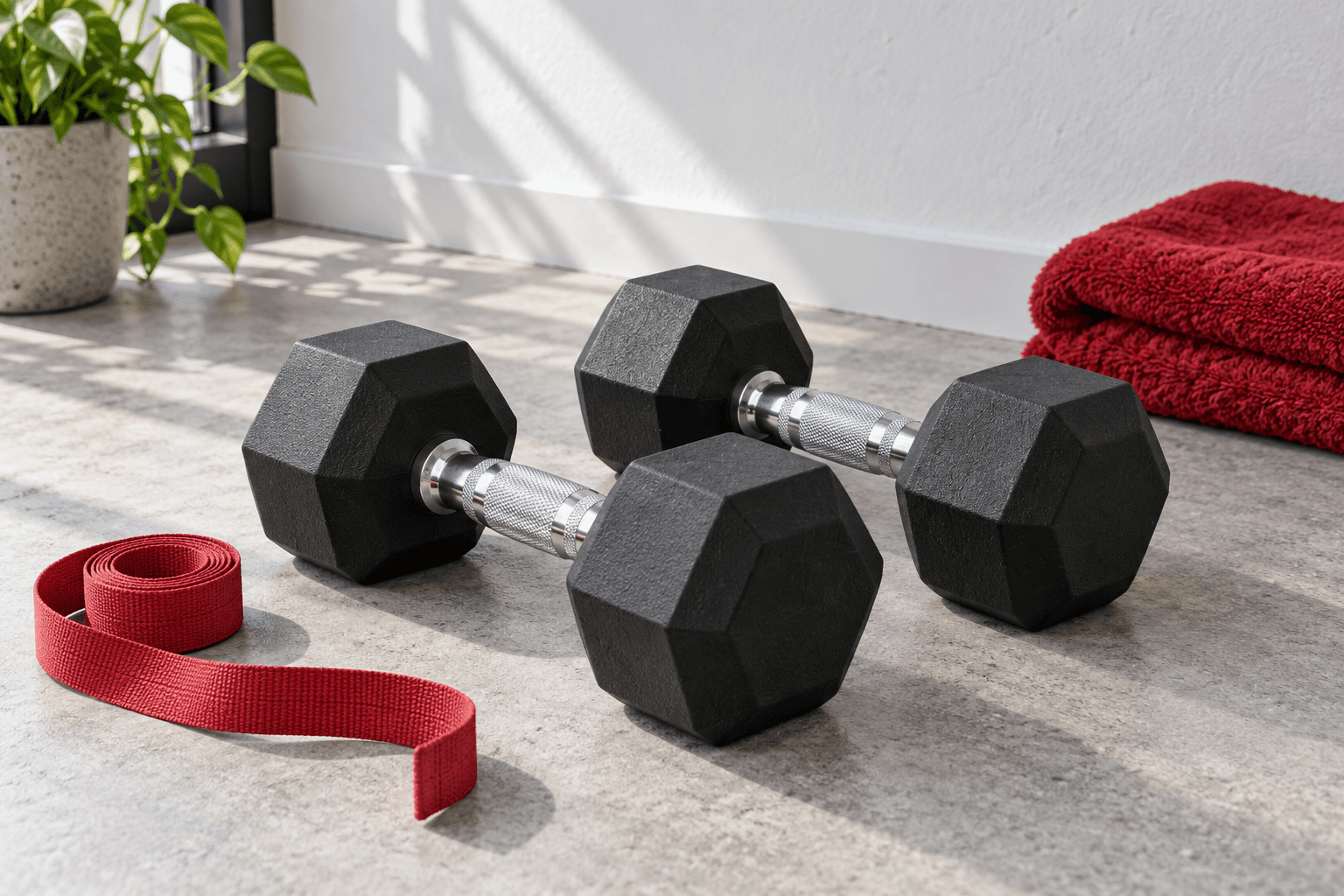
If you use a fixed mass, choose pounds or kilograms and describe whether the number refers to one implement or the combined setup. A pair of dumbbells creates an obvious opportunity for ambiguity: the label on one dumbbell and the combined mass of two are different statements.
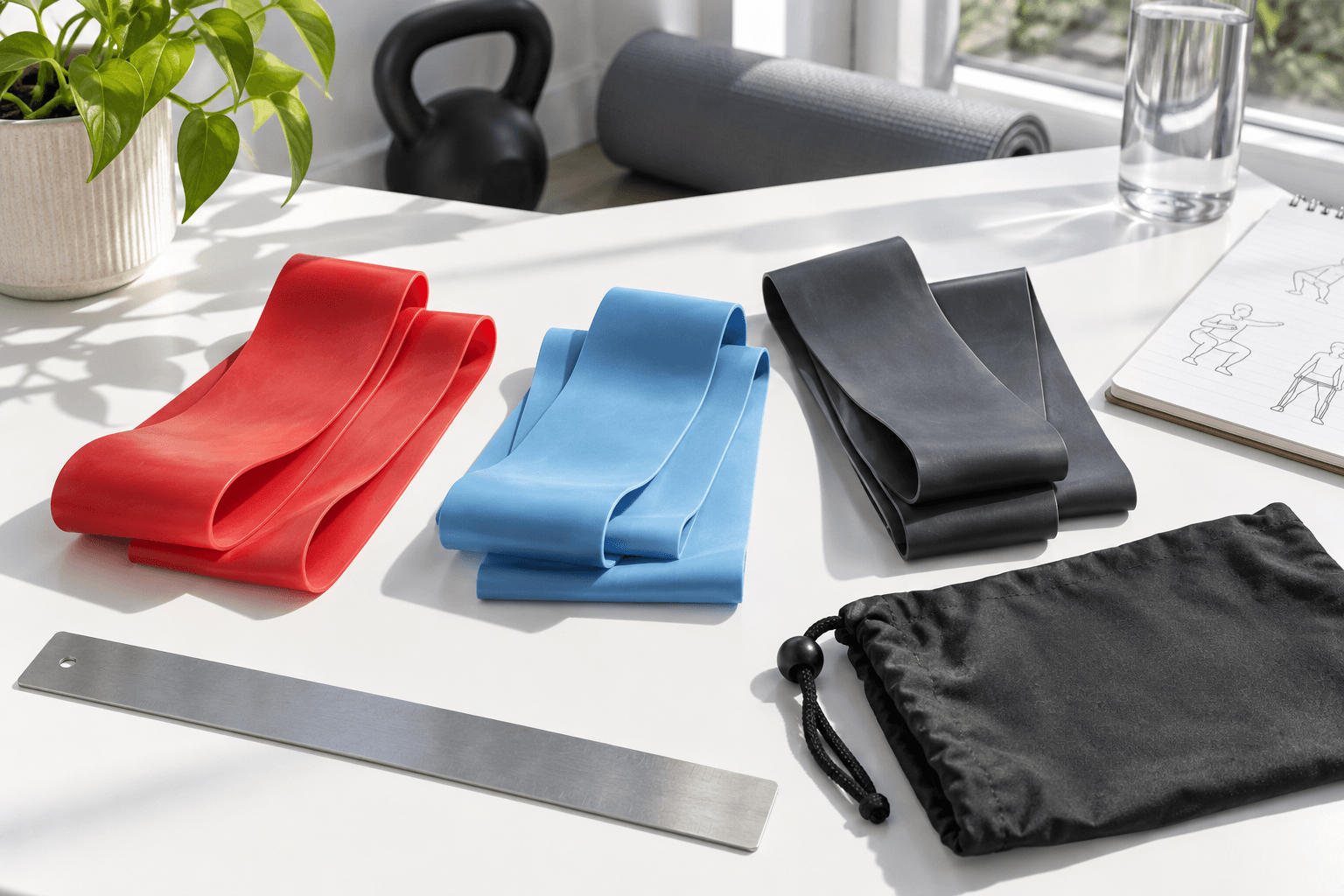
For bands, write the brand, format, color or level, and setup in the description. Manufacturer resistance notation belongs with its measurement conditions. A nominal pull-force figure should not silently become the mass of a dumbbell in your log. Bodyweight entries can leave the numeric load field blank.
Use optional duration honestly
A measured whole-session duration can help you remember the occasion, but it is not automatically the duration of every exercise within it. The notebook records one optional duration for the entire session. It does not multiply that value by the number of activities or convert it into an intensity score.
Blank duration means it was not entered. Zero is a different entry and remains zero. The saved session title, date, completion status, exercises, and notes still make the record usable when a particular metric is absent. Resist filling gaps simply to make the dashboard look complete.
Export the context with the numbers
A download should preserve the words that explain the figures. Our text export includes the session status, date, title, whole-session duration, and each activity’s units and notes. It is designed to be read without needing access to the browser in which you created it.
Before sharing a notebook, review the contents and decide what you want to disclose. Local saving keeps the data in that browser; a downloaded file is a separate copy under your control. The notebook does not send entries to a provider or infer what a change in the numbers means clinically.
The next useful conversation.
- Does each number have a unit?
- Does the entry identify one implement or a combined setup?
- Will another person understand the variation and equipment from the exported file?
Reading record
Sources checked October 3, 2026. We have not performed a clinical assessment, product-use test, or certification audit. No clinician review is claimed.